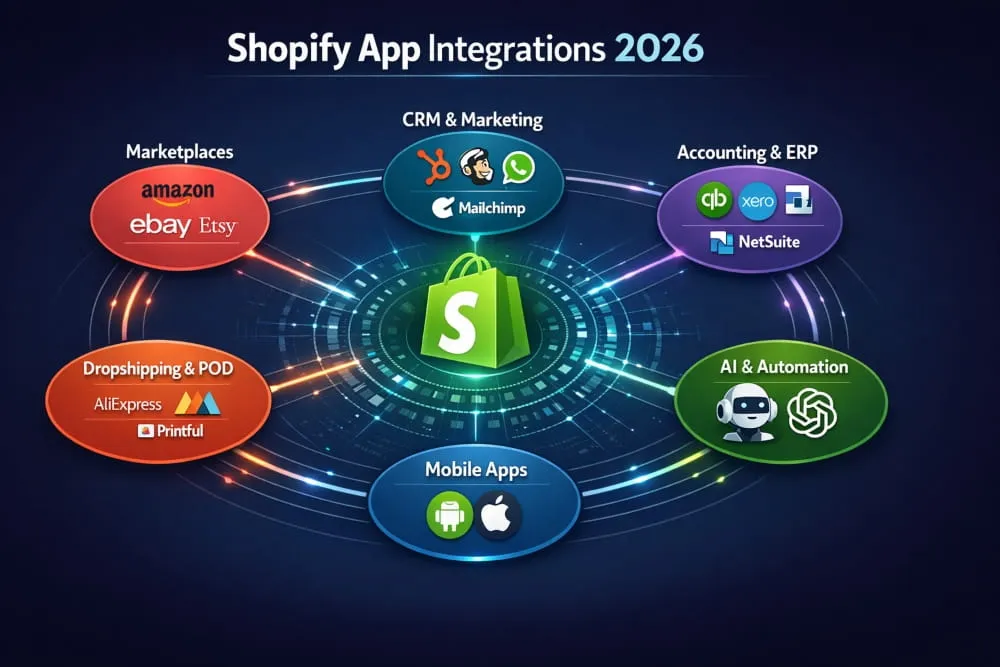
You built your Shopify store. Your products are ready. Your branding looks great. But there is one problem: most of your potential customers are not on your website. They are on Amazon searching for the best deal, browsing Etsy for something unique, scrolling eBay for a bargain, or adding to cart on Walmart.
That is not a threat to your Shopify store. That is an opportunity.
Shopify marketplace integration is how smart store owners turn those platforms into additional sales channels, without building separate businesses for each one. Instead of managing five different seller accounts in isolation, you connect them all to Shopify and run everything from one place. Your inventory syncs automatically. Your orders flow into one dashboard. Your products appear in front of millions of buyers who would never have found your standalone store.
The demand is real. Sellers who expand beyond their own website consistently outperform those who rely on a single channel. But integration done wrong, with the wrong tools, poor setup, or no strategy, creates more chaos than it solves.
This guide cuts through the noise. Whether you are just starting to explore Shopify marketplace integration or you are ready to scale across Amazon, eBay, Etsy, Walmart, and beyond, you will find everything you need here: what integration actually means, how it works on each platform, which tools are worth your money, and how to set it all up without making costly mistakes.
Let’s get into it.
Ready to Build a Shopify Store That Actually Sells?
Get a professionally designed Shopify store built around your brand, your products, and your customers.
What Is Shopify Marketplace Integration?
If you run a Shopify store, you already have a great foundation. But your customers are not just shopping on your website; they are browsing Amazon, searching Etsy, scrolling eBay, and checking Walmart every single day.
Shopify marketplace integration connects your Shopify store to one or more external selling platforms, so your products, inventory, and orders are managed from a single central place.
Instead of logging into five different platforms to update stock levels or process orders, everything syncs automatically. You sell in more places. You manage from one dashboard.
How Does It Work?
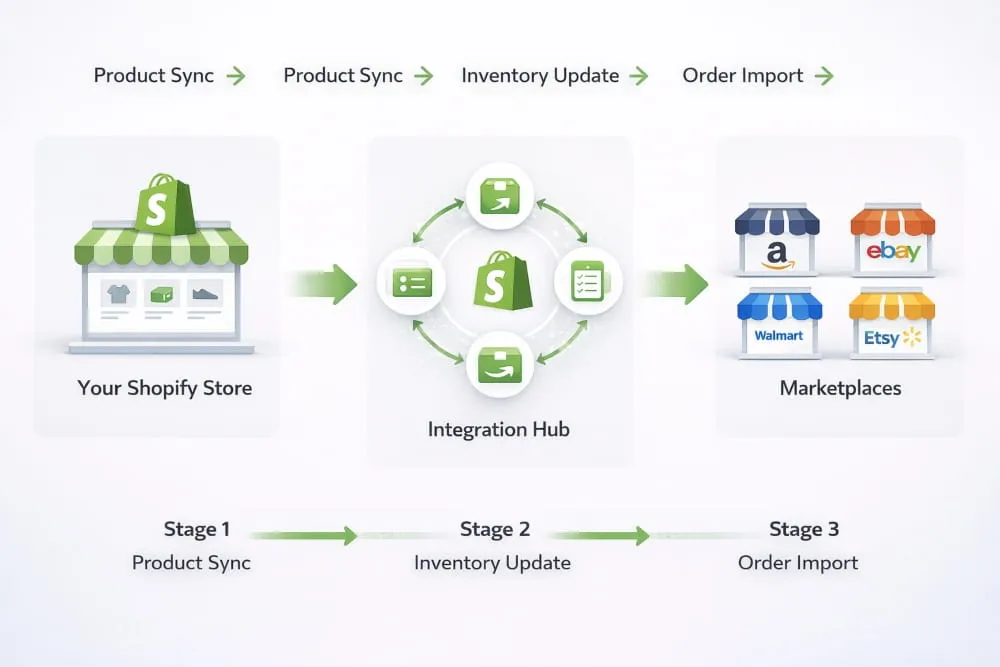
When you integrate Shopify with a marketplace, a two-way connection is created:
- Your product listings are pushed from Shopify to the marketplace
- Orders placed on the marketplace are pulled back into Shopify
- Inventory updates in real time across all channels
This means if someone buys your last unit on Amazon, your Shopify store and eBay listing automatically reflect that, no manual update needed.
Why Multi-Marketplace Selling Matters
Selling on a single channel is risky. If your Shopify traffic drops, your revenue does too. Marketplace integration gives you:
- More visibility, your products appear where millions of buyers already are
- More sales, multiple touchpoints mean more purchase opportunities
- Less dependency, you are not relying on a single platform for all your income
- Better scalability, grow without adding operational complexity
Benefits of Integrating Shopify with Marketplaces
Before diving into each platform, it helps to understand what you gain across the board when you connect Shopify to any marketplace.
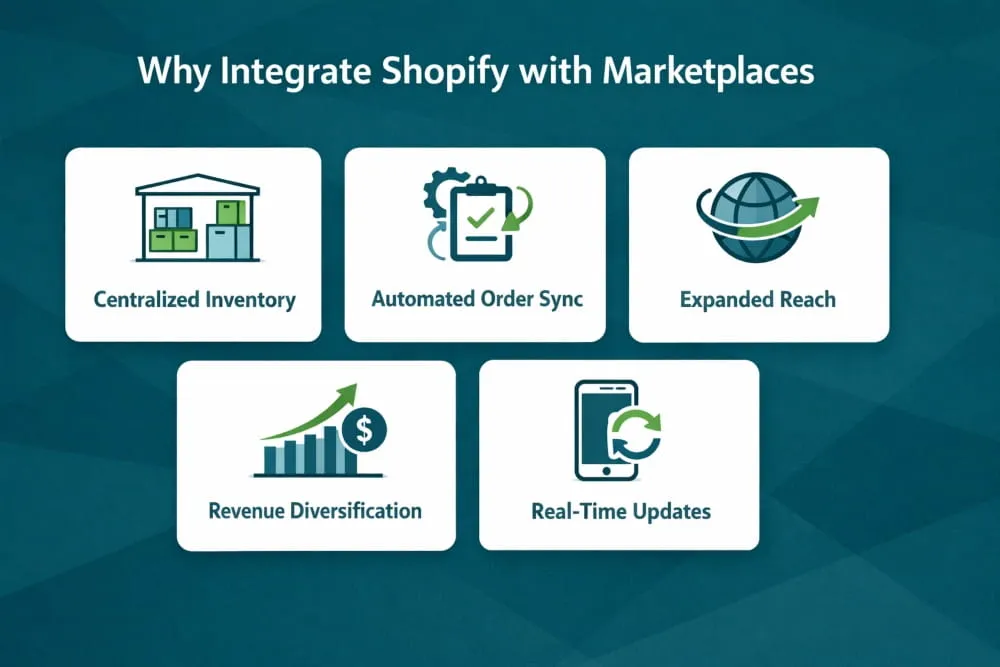
Centralized Inventory Management
Your stock levels update automatically across all channels the moment a sale occurs. This eliminates overselling, stockouts, and manual errors that waste time and damage customer trust.
Automated Order Syncing
Orders from Amazon, eBay, Etsy, or Walmart flow directly into your Shopify dashboard. You process everything from one place rather than juggling multiple seller accounts.
Consistent Product Listings
Update a product title, price, or image in Shopify once, and it reflects across every connected marketplace. No more editing the same listing in four different places.
Expanded Customer Reach
Each marketplace has its own massive, loyal audience. Amazon buyers rarely search Etsy. Walmart shoppers behave differently from eBay users. Integration lets you capture all of them without extra effort.
Revenue Diversification
When your income comes from multiple channels, your business is far more resilient to algorithm changes, platform fee increases, or traffic drops on any single channel.
Need Help Setting Up Your Shopify Store?
Skip the trial and error. Our Shopify experts handle everything, from store design to marketplace integration, so you can focus on growing.
Shopify Amazon Integration, Complete Guide
Amazon is the world’s largest e-commerce marketplace. Connecting Shopify with Amazon is one of the most high-impact moves a store owner can make.
Does Shopify Integrate with Amazon?
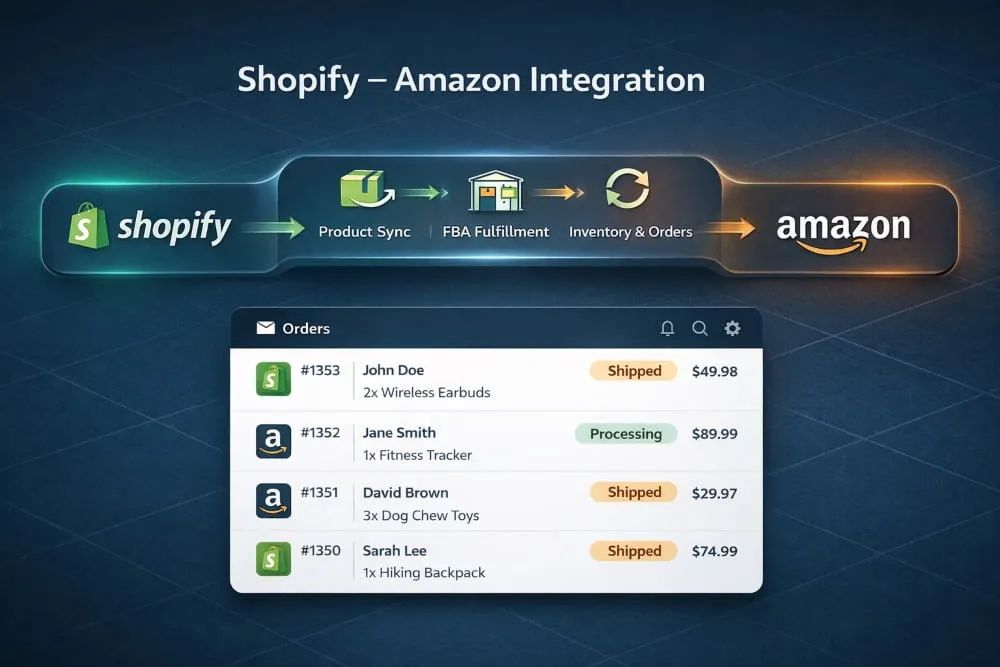
Yes. Shopify integrates with Amazon through third-party apps available in the Shopify App Store. These apps create a live sync between your Shopify catalog and your Amazon seller account.
How to Integrate Shopify with Amazon
- Set up an Amazon Seller Central account (Individual or Professional)
- Go to the Shopify App Store and search for an Amazon integration app.
- Install the app and connect it to your Amazon Seller Central account.
- Map your Shopify products to existing Amazon listings or create new ones.
- Set your pricing rules, fulfillment method, and inventory sync preferences.
- Go live and monitor the sync.
Shopify Amazon FBA Integration
If you use Fulfillment by Amazon (FBA), you can route Shopify orders through Amazon’s fulfillment network. This means Amazon picks, packs, and ships orders placed on your own Shopify store, giving your customers Prime-level delivery speeds even when they buy directly from you.
Amazon Pay Integration with Shopify
You can also add Amazon Pay as a payment method on your Shopify store. This lets customers check out using their Amazon account credentials, reducing friction and potentially increasing conversion rates, especially for buyers who already trust Amazon with their payment details.
Best Shopify Amazon Integration Apps
- Codisto supports real-time sync, FBA, and strong listing management.
- CedCommerce Amazon Channel is affordable, feature-rich, and has good support
- Amazon by Shopify (deprecated), replaced by third-party options.
- LitCommerce is good for multichannel sellers on a budget.
Shopify B2B Amazon Integration
If you sell wholesale or B2B, Amazon Business is a separate marketplace within Amazon. Some integration apps support syncing Shopify B2B pricing and catalogs with Amazon Business listings.
Shopify Amazon Integration UK
The integration process in the UK is the same, but you will connect to Amazon.co.uk through Amazon Seller Central’s European marketplace. Make sure your integration app supports multi-region Amazon accounts if you sell in both the US and UK.
Shopify Etsy Integration, Complete Guide
Etsy is the go-to marketplace for handmade, vintage, and unique products. If your Shopify store sells creative or artisan goods, Etsy is a natural second home for your products.
Does Shopify Integrate with Etsy?
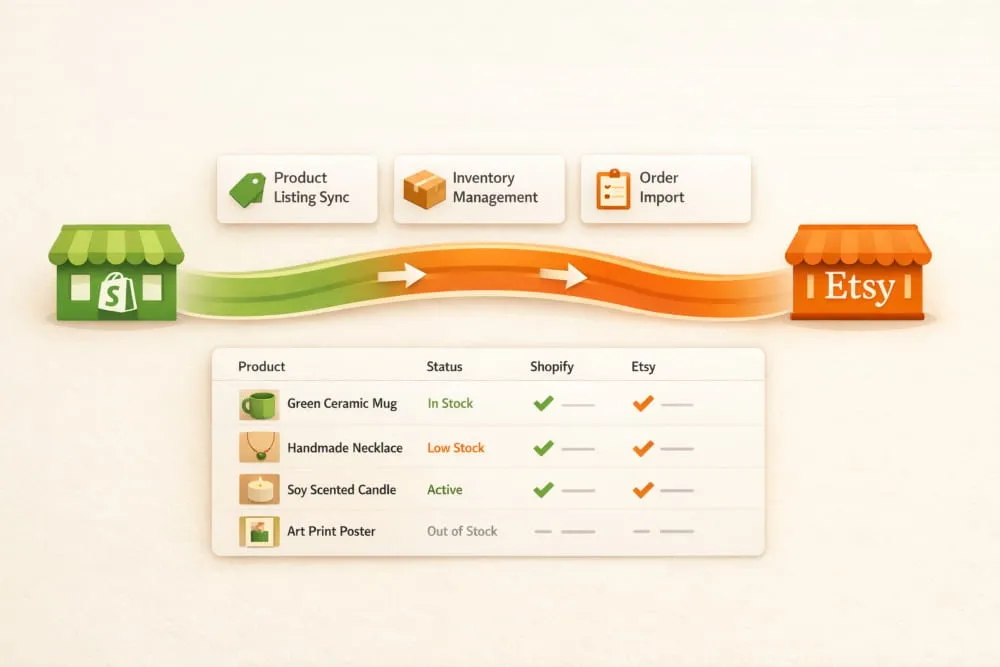
Yes. Etsy does not have a native Shopify integration, but several well-rated third-party apps make the connection seamless.
Advantages of Integrating Etsy and Shopify
- Reach Etsy’s highly engaged buyer community without manually duplicating your catalog.
- Keep inventory in sync so you never oversell a handmade item.
- Manage Etsy orders from your Shopify dashboard.
- Test new products on Etsy while your Shopify store builds organic traffic.
- Run both channels simultaneously with minimal extra work.
How to Integrate Shopify with Etsy
- Create or log in to your Etsy Seller account.
- Install an Etsy integration app from the Shopify App Store.
- Connect your Etsy shop to Shopify through the app.
- Choose which products to sync to Etsy.
- Map product categories, tags, and attributes to match Etsy’s format
- Set pricing and shipping rules specific to Etsy
- Enable order sync and go live.
Best Shopify Etsy Integration Apps
- CedCommerce Etsy Integration, one of the most popular, supports bulk listing and order sync.
- Etsy Marketplace Integration by Webkul is good for larger catalogs
- LitCommerce has a simple, clean interface that works well for smaller shops.
- Shuttle, focused on migrating and syncing between Shopify and Etsy.
Is There a Free Shopify Etsy Integration?
Some apps offer a free plan with limited product listings or features. CedCommerce and LitCommerce both offer free entry-level tiers. For most growing stores, a paid plan ($15–$50/month) gives you the full sync, bulk tools, and priority support that make the integration actually worth it.
Shopify eBay Integration, Complete Guide
eBay reaches over 130 million active buyers worldwide. It works well for new, used, and refurbished products, making it a strong channel for a wide range of Shopify sellers.
Why You Should Integrate Shopify with eBay
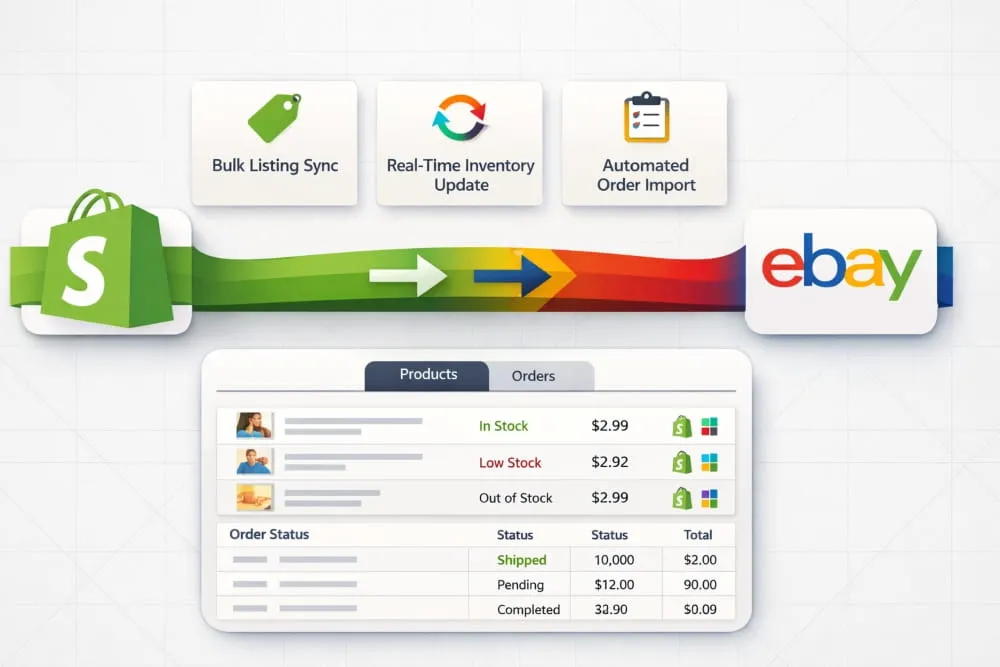
eBay buyers are deal-conscious and search-driven. Many shoppers specifically go to eBay looking for products they cannot find or afford elsewhere. Connecting Shopify to eBay gives you access to this audience without managing a separate inventory system.
How to Integrate Shopify with eBay
- Create an eBay Seller account and complete identity verification.
- Install an eBay integration app from the Shopify App Store.
- Connect the app to your eBay account.
- Import your Shopify products into the app.
- Map product details to eBay’s category and item-specific requirements
- Set eBay-specific pricing (you may want to account for eBay fees)
- Enable inventory and order sync, then publish listings.
Shopify eBay Integration Features to Look For
When choosing an app, prioritize these capabilities:
- Real-time inventory sync prevents overselling.
- Bulk listing tools save hours when uploading large catalogs.
- Order management automatically pulls eBay orders into Shopify.
- Category mapping: eBay has strict category requirements.
- Pricing rules let you mark up prices on eBay to cover platform fees.
Shopify eBay Integration Fees
eBay charges listing fees and a final value fee (a percentage of each sale). Your integration app will also have its own monthly cost. Budget for both when setting eBay prices to keep your margins healthy.
Best Shopify eBay Integration Apps
- CedCommerce eBay Integration, highly rated, supports bulk uploads and automation.
- Codisto is an excellent multichannel tool that covers eBay and Amazon.
- inkFrog, popular among eBay-first sellers expanding to Shopify
- LitCommerce is budget-friendly for sellers just starting on eBay
Shopify eBay Integration UK
UK sellers connect to eBay.co.uk through the same app process. Some apps support multi-region eBay accounts, which is useful if you sell to both UK and US buyers.
Troubleshooting: Shopify eBay Integration Not Working
Common issues include:
- Listing errors are usually caused by missing required eBay item specifics. Fix by completing all required fields in your app’s mapping section.
- Inventory not syncing, check that your SKUs match between Shopify and eBay. Mismatched SKUs break the sync.
- Orders are not importing. Confirm that eBay order import is enabled in your app settings and that your eBay token has not expired.
Shopify Walmart Marketplace Integration
Walmart Marketplace is one of the fastest-growing e-commerce platforms in the US, with over 100 million monthly visitors. Unlike Amazon, Walmart Marketplace is invite-based; you must apply and be approved before selling.
How Walmart Marketplace Integration with Shopify Works
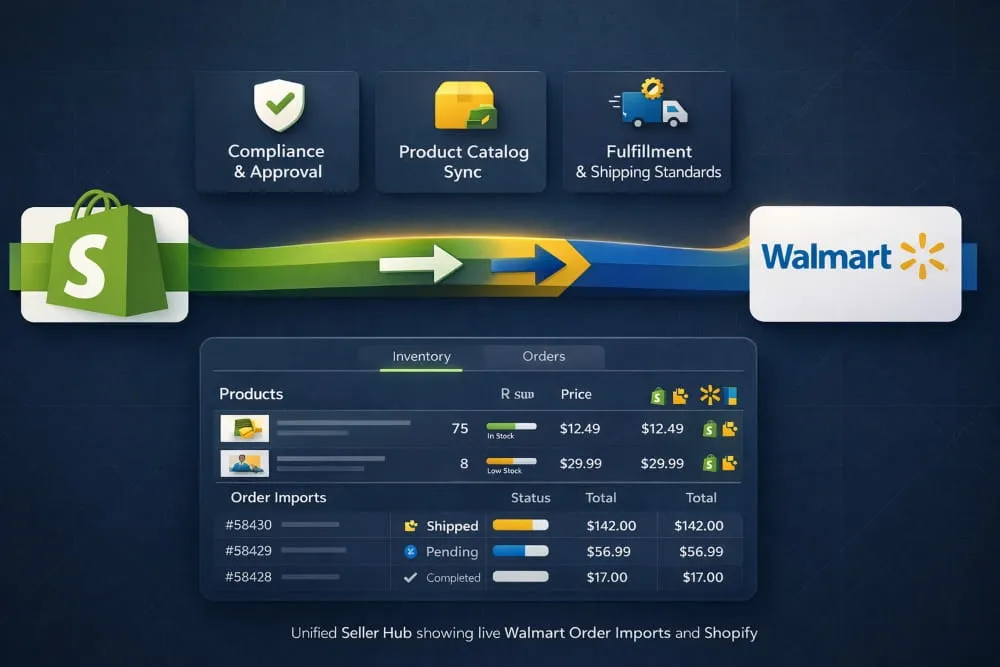
Once approved as a Walmart Marketplace seller, you connect your Shopify store through a third-party integration app. The app syncs your product catalog to Walmart, manages pricing, and pulls Walmart orders back into Shopify.
Walmart Marketplace Compliance Requirements
Walmart has strict quality and compliance standards:
- Products must have valid UPCs or GTINs
- Listings must meet Walmart’s content quality guidelines
- Shipping must meet Walmart’s delivery speed expectations
- Return policies must align with Walmart’s standards
Make sure your integration app supports Walmart’s specific data requirements before setting up your catalog sync.
Best Apps for Shopify Walmart Integration
- CedCommerce Walmart Integration supports bulk listings and Walmart-specific compliance tools
- Codisto covers Walmart alongside Amazon and eBay in one platform
- Shopify Marketplace Connect, Shopify’s own multichannel app with Walmart support
Shopify Facebook & Instagram Marketplace Integration
Social commerce is growing fast. Facebook and Instagram are no longer just advertising platforms; they are active shopping destinations.
Shopify Facebook Marketplace Integration
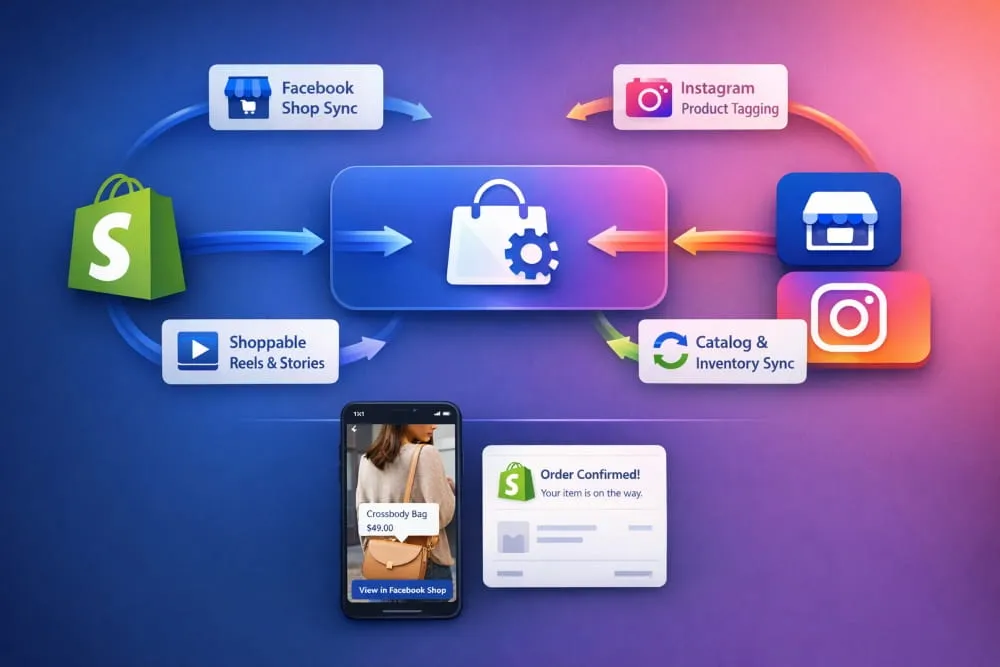
You can connect your Shopify catalog to Facebook Shops, which displays your products directly on your Facebook Business Page. Orders can be managed through Shopify or Facebook Commerce Manager, depending on your setup.
Shopify Instagram Shop Integration
Instagram Shopping lets you tag products in posts, Stories, and Reels. When users tap a tag, they see the product details and can buy directly. Shopify connects to Instagram Shop through the Facebook Sales Channel app, which manages both platforms simultaneously.
Shopify TikTok Shop Integration
TikTok Shop is one of the newest and fastest-growing commerce channels, especially for younger audiences. Shopify has an official TikTok integration that lets you sync your catalog and run shoppable video content from your store.
Shopify Google Shopping Integration
Google Shopping puts your products at the top of search results when someone searches for what you sell. It is not a traditional marketplace, but it is one of the highest-converting channels available.
Shopify connects to Google Shopping through the Google & YouTube app in the Shopify App Store. Once connected, your product feed syncs automatically, and your listings appear in Google Shopping results, Google Search, and YouTube.
Best Multi-Marketplace Integration Platforms for Shopify
If you want to sell on multiple marketplaces at once, a dedicated multichannel platform makes more sense than installing a separate app for each one.
Top Multichannel Tools for Shopify
Tool Best For Key Platforms Supported
Codisto Sellers on Amazon + eBay + Walmart Amazon, eBay, Walmart, Google
CedCommerce Budget-conscious multichannel sellers Amazon, eBay, Etsy, Walmart, more
LitCommerce Simple, affordable multichannel setup Amazon, eBay, Etsy, TikTok, more
Shopify Marketplace Connect Shopify-native multichannel selling Amazon, eBay, Walmart, Etsy
NetSuite Integration for Shopify and Amazon
If your business uses NetSuite as an ERP, you can connect NetSuite to both Shopify and Amazon simultaneously. This creates a unified data flow, orders, inventory, and financials stay in sync across your ERP, your store, and your marketplace accounts.
QuickBooks Integration for Shopify and Amazon
For health product sellers and other regulated categories, QuickBooks integration keeps your accounting clean across Shopify and Amazon. Apps like A2X automatically reconcile Amazon payouts and Shopify sales into QuickBooks.
WMS Platforms for Shopify and Amazon
If you manage a physical warehouse, a Warehouse Management System (WMS) that integrates with both Shopify and Amazon ensures accurate fulfillment. Popular options include ShipBob, Linnworks, and Extensiv, all of which support Shopify and Amazon natively.
How to Choose the Right Shopify Marketplace Integration
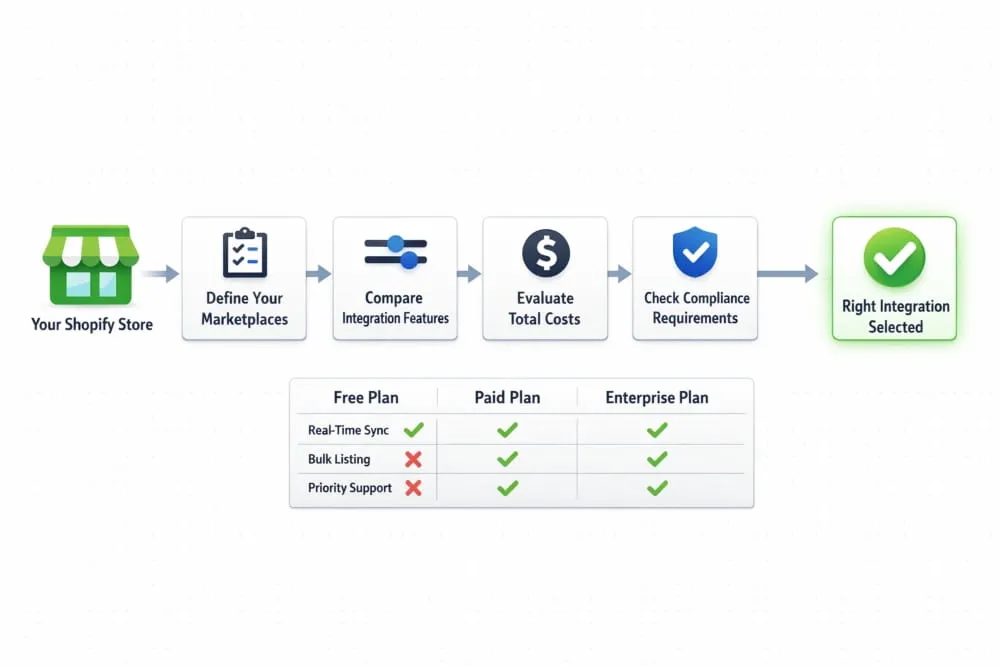
With so many apps and platforms available, here is how to make a smart decision.
Questions to Ask Before You Choose an Integration App
- Does it support all the marketplaces I want to sell on?
- Does it offer real-time inventory sync or batch updates?
- How does it handle order routing and fulfillment?
- What happens if the sync breaks? Is support responsive?
- Are there limits on the number of products or orders per month?
- What are the total costs, including app fees and marketplace fees?
Free vs Paid Integration Apps
Free plans are fine for testing, but they typically limit the number of products you can sync, restrict automation features, and offer slower support. For any store doing real volume, a paid plan is worth the investment.
Shopify Plus and Marketplace Integration
Shopify Plus users get access to additional API capabilities and dedicated support, which makes complex multi-marketplace setups easier to manage. If you are running high volume across multiple channels, Shopify Plus, combined with an enterprise-tier integration platform, gives you the infrastructure to scale without breaking.
Your Shopify Marketplace Integration Checklist
Before you flip the switch on any integration, run through this checklist:
Pre-Integration Setup
- Clean up your Shopify product catalog, remove duplicates, fix missing fields
- Ensure all products have SKUs, barcodes (UPC/EAN), and accurate inventory counts
- Review marketplace-specific requirements (categories, titles, images, attributes)
- Set up a dedicated marketplace pricing strategy to account for fees
Choosing Your First Marketplace
- Start with the platform where your product category performs best
- Amazon works well for branded and commodity products
- Etsy is ideal for handmade, vintage, and artisan items
- eBay suits used, refurbished, and niche products
- Walmart is best for established sellers with proven product demand
Launch Order Recommendation
- Start with one marketplace, get the sync stable before expanding
- Add a second marketplace once the first is running smoothly
- Move to a multichannel platform when managing three or more channels
Common Mistakes to Avoid
- Listing on every marketplace at once before your sync is tested
- Using the same price across all channels without accounting for fees
- Ignoring marketplace-specific content requirements leads to listing errors
- Not monitoring sync status regularly, silent failures can cause overselling
Shopify marketplace integration is one of the most impactful steps you can take to grow your e-commerce business. Whether you start with Amazon, Etsy, eBay, or Walmart, the principle is the same: meet your customers where they already shop, manage everything from one place, and scale without adding unnecessary complexity.
The right integration app makes the difference between a system that runs itself and one that creates more work than it saves. Choose carefully, set it up properly, and your Shopify store becomes the hub of a multichannel sales operation that works around the clock.
Frequently Asked Questions (FAQ’s)
Can I integrate Shopify with Amazon, eBay, and Etsy simultaneously?
Yes. Multichannel integration apps like Codisto, CedCommerce, and Shopify Marketplace Connect let you manage all three from a single dashboard.
Is there a free way to integrate Etsy with Shopify?
Yes, some apps offer limited free plans. However, free plans usually cap the number of synced products. For a growing store, a paid plan offers full functionality.
How long does Shopify marketplace integration take to set up?
A basic single-platform integration can be set up in a few hours. A full multichannel setup with bulk listings, pricing rules, and custom mapping may take a few days.
What are the marketplace compliance rules I need to know?
Each marketplace has its own rules. Amazon requires UPCs, eBay needs item specifics, Walmart has delivery standards, and Etsy has policies for handmade/vintage items. Your integration app should help flag compliance issues before listings go live.
Does inventory sync in real time?
Most paid integration apps sync inventory in real time or near real time (every few minutes). Free plans may only sync hourly or manually.
What happens if the integration breaks?
Orders and inventory can fall out of sync if the app connection fails. Choose an app with a strong uptime record and responsive support. Always monitor your integrations, especially during high-traffic periods.